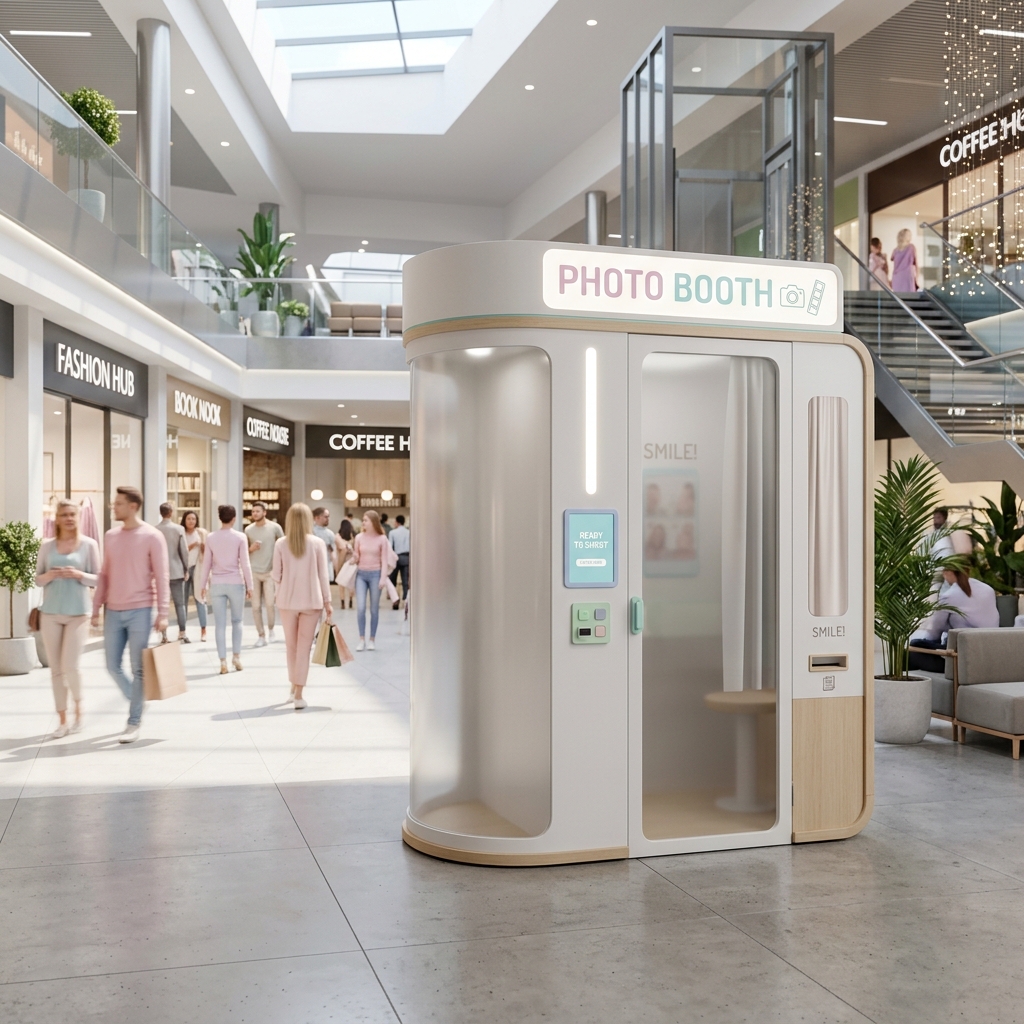
The photo booth industry is undergoing a massive transformation. While traditional wedding and event rentals remain profitable, a new, highly lucrative model has emerged: The Unattended Photo Booth Kiosk.
What is an Unattended Photo Booth?
Popularized in South Korea, these are fully automated photo booths placed in high-traffic areas like malls, arcades, and cafes. Unlike event rentals, there is no attendant present. Customers walk up, pay via a QR code, take their photos, and walk away with a printed strip. The machine runs 24/7, generating pure passive income for the operator.
The Payment Challenge (And the Solution)
The biggest hurdle to starting an unattended booth business is accepting payments. Most consumer photo booth apps do not support automated payments, requiring you to attach an expensive external coin acceptor or card terminal.
PICABOT changes everything.
PICABOT features native, built-in integration with Razorpay and Stripe. The software automatically generates a dynamic UPI QR code on the screen. Once the customer scans and pays from their phone, the software instantly unlocks the camera and starts the session.
Why PICABOT is the Only Choice for Unattended Kiosks
- Kiosk Lock Mode: You can't have customers accessing the Windows desktop on a public machine. PICABOT's Kiosk Mode completely locks down the screen, hiding the taskbar and preventing any gestures from closing the app.
- Offline Queueing: What happens if the mall's Wi-Fi drops? With other software, your booth breaks, and you lose money. With PICABOT's TransactionSyncService, the booth keeps accepting photos and payments locally, queueing them in the background. When the internet returns, it automatically syncs the data.
- 4K Webcam Support: While PICABOT fully supports Canon DSLRs for high-end events, unattended booths need zero-maintenance hardware. Plug in a 4K Logitech Brio, and PICABOT's pro camera engine will make it look like a studio shot.
- Dual-Printer Profiles: Load your DNP RX1 printer with 4x6 media, and PICABOT will automatically cut it into two 2x6 strips for the classic vintage feel.
Getting Started
Starting your passive income journey is incredibly simple:
- Build or buy a simple wooden/metal kiosk shell.
- Install a Windows Mini-PC, a webcam, and a dye-sublimation printer (like the DNP RX1).
- Download PICABOT, enter your Razorpay API keys, and launch Kiosk Mode.
Stop trading your weekends for event rentals. Start your automated photo booth business today and let PICABOT do the heavy lifting.